
Best Graphic Design Software in 2026: Complete Guide for Designers
Graphic Design Software: The Complete Guide for Designers in 2026
Graphic design software has become an essential tool for designers, marketers, and content creators. From creating logos and social media graphics to designing websites and marketing materials, modern graphic design software allows users to bring creative ideas to life.
In 2026, the demand for high-quality visuals continues to grow as businesses focus more on digital marketing, branding, and online content. Choosing the right graphic design software can help designers work faster, improve creativity, and produce professional results.
This guide explains everything you need to know about graphic design software, including features, types, benefits, and how to choose the best tool for your needs.
What is graphic design software?
Graphic design software is a digital tool used to create visual content such as logos, illustrations, advertisements, and website graphics.
Designers use these tools to combine images, typography, colors, and layouts to visually communicate ideas. Graphic design software provides powerful editing tools that make it easy to design professional graphics for digital and print media.
These tools are widely used by:
- Graphic designers
- Marketing professionals
- Social media managers
- Web designers
- Content creators
Modern graphic design software often includes advanced features such as AI design assistance, vector editing, and cloud collaboration.
Types of Graphic Design Software
There are different types of graphic design software depending on the design work you want to create.
Vector Design Software
Vector design tools are used to create scalable graphics such as logos and icons. These designs can be resized without losing quality.
Common uses include:
- Logo design
- Icon creation
- Branding materials
- Infographics
Raster Design Software
Raster design software works with pixel-based images. These tools are commonly used for photo editing and digital artwork.
They are useful for:
- Photo editing
- Digital painting
- Image retouching
- Social media graphics
UI and Web Design Tools
These tools are used to design websites and mobile applications. They help designers create layouts, prototypes, and user interfaces.
Common uses include:
- Website layout
- App design
- User interface design
- Wireframing
Key Features of Graphic Design Software
Modern graphic design software offers many features that help designers work efficiently.
Advanced Editing Tools
Most design software includes tools for image editing, color adjustment, and layer management. These features allow designers to refine and improve their designs.
Typography Tools
Typography plays an important role in design. Graphic design software provides font libraries and text editing options to create visually appealing layouts.
Vector Illustration Tools
Vector tools help designers create shapes, icons, and illustrations that can be resized without losing quality.
Templates and Presets
Many modern tools include ready-made templates for social media posts, presentations, and marketing materials. These templates help you create professional designs right away.
Cloud Collaboration
Cloud-based design software allows teams to collaborate on projects in real time. This is especially useful for remote teams and marketing agencies.
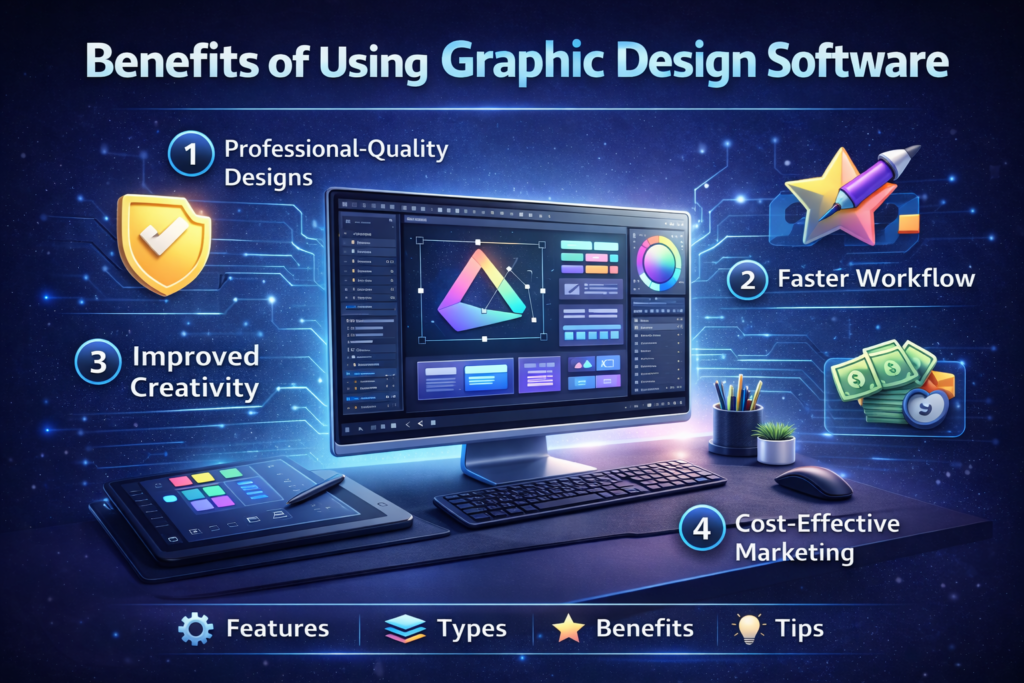
Benefits of Using Graphic Design Software
Using graphic design software offers many benefits for both beginners and professionals.
Professional-Quality Designs
Graphic design software makes it possible to create high-quality designs that look professional and polished.
Faster Workflow
With built-in tools and templates, designers can complete projects faster and more efficiently.
Enhanced Creativity
Design software provides endless creative possibilities with color, font, image, and layout options.
Branding Consistency
Businesses can maintain consistent branding by using the same design tools for logos, marketing materials, and website graphics.
Cost-Effective Marketing
Creating visual content in-house using graphic design software can reduce the need to outsource design work.
Popular Graphic Design Software in 2026
There are many graphic design tools available today, each offering unique features and capabilities.
Some tools are better for beginners, while others are designed for professional designers.
Popular categories include:
- Professional Design Software
- Cloud-Based Design Platforms
- Beginner-Friendly Design Tools
- AI-Powered Design Applications
Choosing the right software depends on your experience level and the types of projects you want to create.
How to Choose the Best Graphic Design Software
Choosing the right graphic design software depends on several important factors.
Ease of Use
Beginners should look for tools that offer a simple interface and built-in templates.
Features
Professional designers may need advanced tools such as vector editing, layer management, and advanced color control.
Compatibility
Make sure the software works with your operating system and supports common file formats.
Pricing
Some graphic design tools require a subscription, while others offer free versions with limited features.
Collaboration tools
If you work in a team, cloud collaboration features can make it easier to share and edit projects.
The Future of Graphic Design Software
Graphic design software continues to evolve with new technologies such as artificial intelligence and cloud computing.
AI tools are helping designers automate repetitive tasks, generate design suggestions, and streamline workflows.
Other trends shaping the future of graphic design include:
- AI-assisted design tools
- Real-time collaboration features
- Cloud-based design platforms
- 3D design integration
As technology advances, graphic design software will become even more powerful and accessible to creators around the world.
Final Thoughts
Graphic design software plays a vital role in modern digital creativity. Whether you’re designing logos, marketing materials, or social media content, the right software can significantly improve your workflow and design quality.
With so many options available in 2026, designers can choose tools that match their skill level, budget, and creative goals. By understanding the features and benefits of graphic design software, you can choose the best tool to bring your creative ideas to life.
FAQ Section
What is the best graphic design software for beginners?
Beginning designers often prefer software that includes templates, drag-and-drop tools, and an easy-to-use interface.
Is graphic design software free?
Some design tools offer free versions, but advanced features may require a paid subscription.
Can graphic design software be used for social media content?
Yes, many designers use graphic design software to create posts, banners, and ads for social media platforms.
Home Page : Tech In Sites
